



Introduction to Supporting Reading.
Introduction to Supporting Reading.
Introduction to Supporting Reading.
Home > Faculties > English Faculty > Supporting Reading
At Fred Longworth High School, we are committed to ensuring children are equipped with the strategies they need to understand any text they encounter. From integrating challenging reading into our curriculum, to offering reading intervention to individuals, language is at the centre of all that we do. We also recognise the importance of reading at home to secure these essential skills, and are committed to working closely with parents to ensure every child succeeds.
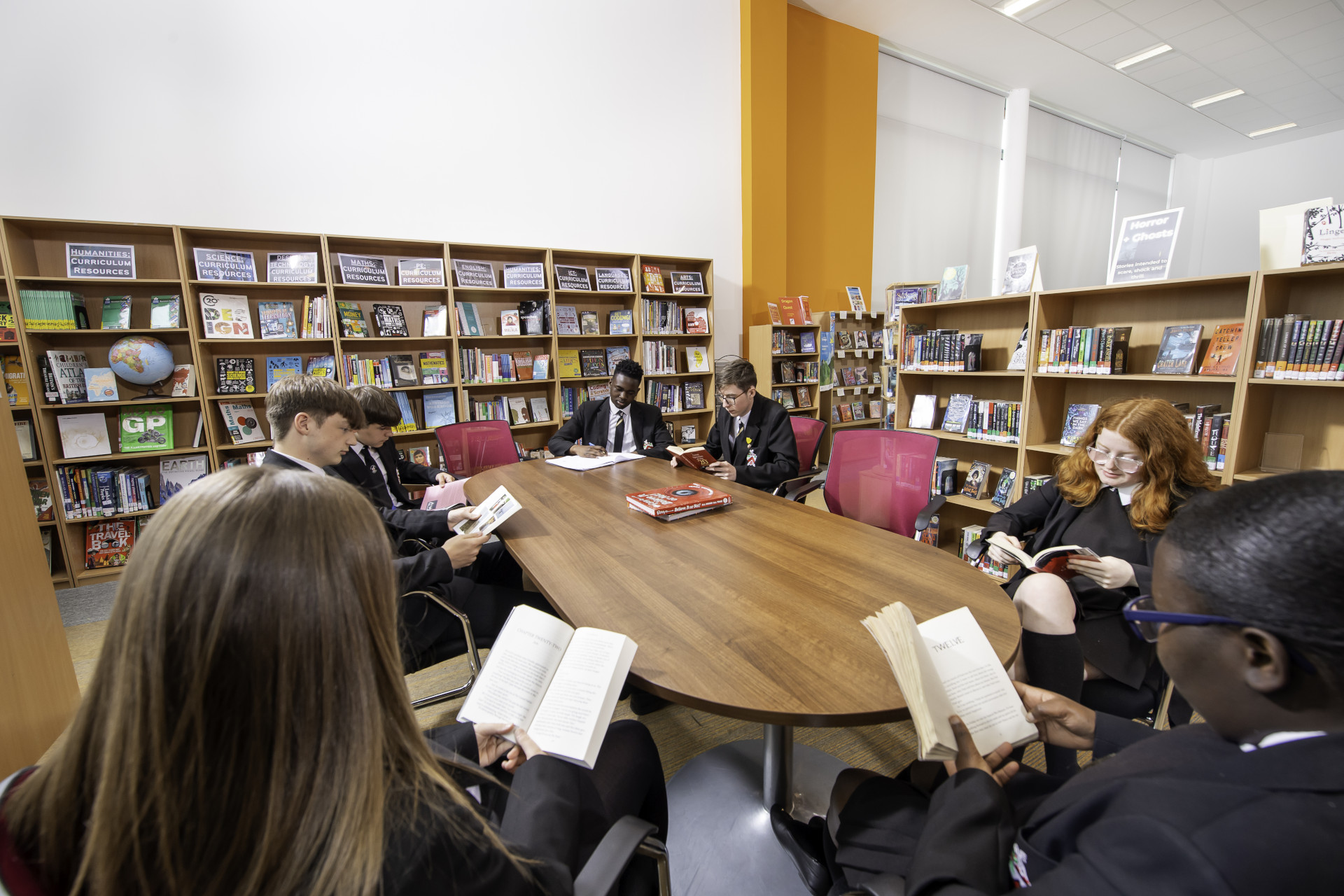
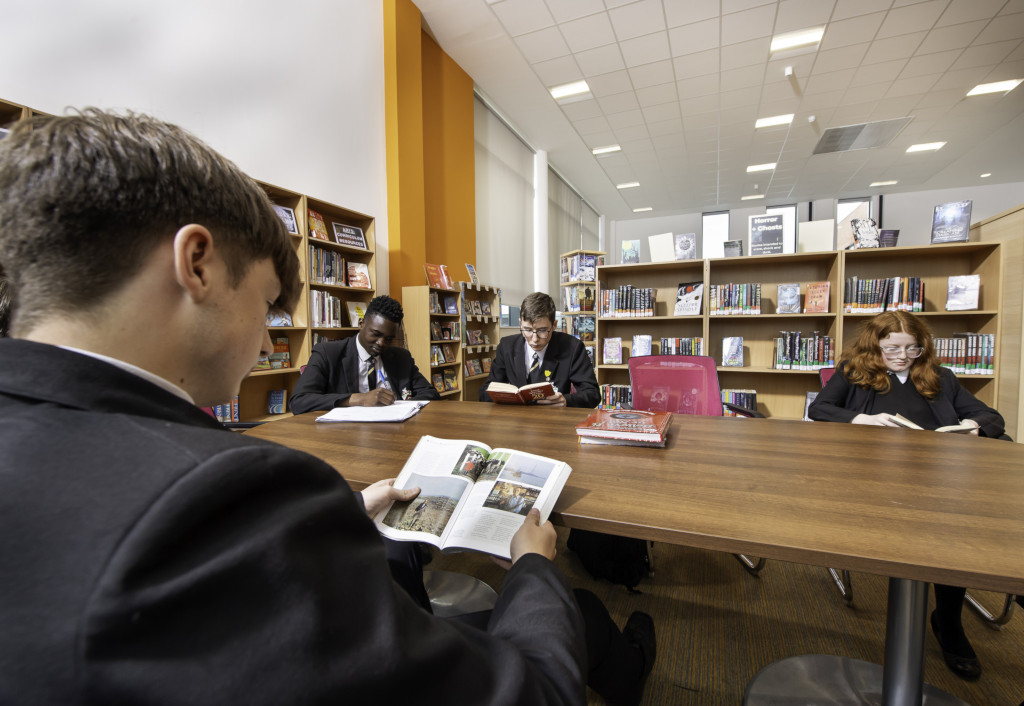
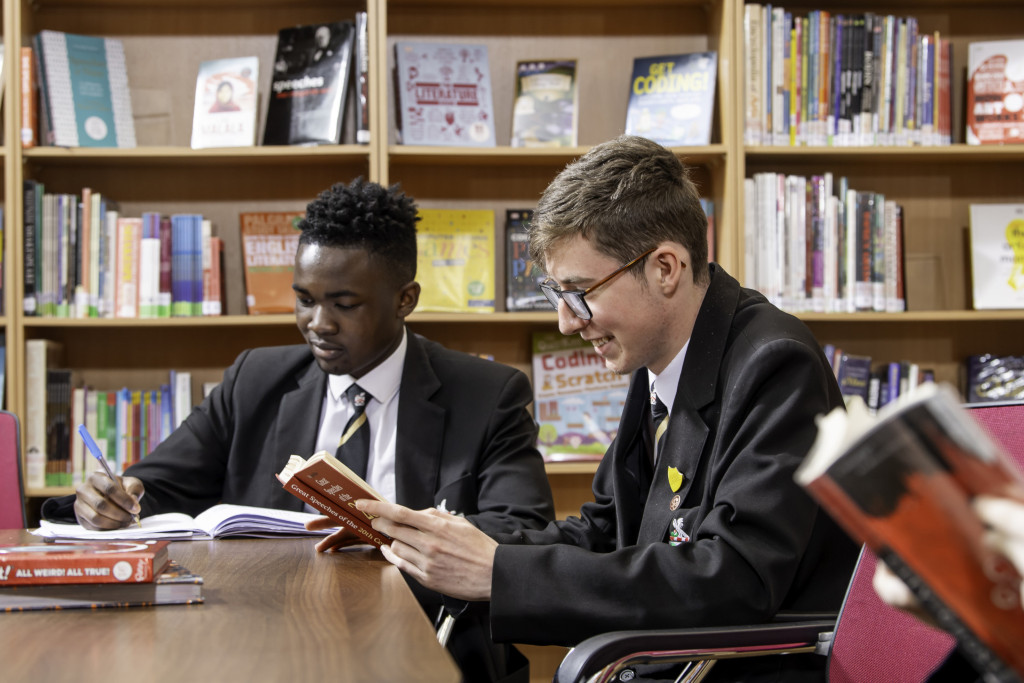
The library is an inviting space that is open daily for students and contains a wide range of fiction and non-fiction texts, graphic novels, magazines, reference books and study guides. Reading for pleasure at break and lunchtime in the library is strongly encouraged and the library manager, Mrs Hibbert, is always available at these times to discuss books with students and suggest authors they may otherwise be unfamiliar with. Students are also encouraged to become student librarians who work alongside Mrs Hibbert to help keep the library running smoothly and promote reading for pleasure throughout the school.
Students can borrow books to read at home for a period of two weeks and can renew these items if they wish. The book stock is permanently under review to ensure that students can access newly published, high quality texts that will develop their reading skills and challenge their existing thinking. They are also able to remotely access the library catalogue, search the existing library database and place reservation requests for books they are interested in through AccessIt, our online library database. This valuable resource can also be used by students to help them discover new books and authors, and engage with other students who read regularly for pleasure.
All Year 7 and 8 students have a dedicated reading lesson in the library once a fortnight in order to complete Reading Plus, receive support with their reading and harness their enjoyment of books. The FLHS English department use Reading Plus software to offer bespoke intervention and support to children, irrelevant of reading ability or age. The software is designed to give children exposure to a range of short texts, both whilst elevating their reading age, reading speed and comprehension. The program is integrated in our homework provision and has been proven to significantly accelerate students’ reading ability across an academic year when it is consistently engaged with. We ask that parents of children in Years 7 and 8 engage with this software, discussing the progress made with your child to encourage a culture of independent reading at home. Timetabling lessons in this way ensures all students can spend time in the library and allows strong working relationships to be developed. Information about the program for parents and carers can be found here.
In addition, the library hosts many activities and events throughout the school year and there are regular themed displays intended to help students identify books for key topics and subjects of interest.
We want our students to be engaged in their learning. A child at high school should not really have a reason to contact a parent during the day; however, if there is a genuine reason e.g. they have forgotten their packed lunch, a phone call can be made home from the school office. If a parent needs to contact their child in an emergency, they should contact the school office. If you need to contact your child during the school day, contact the main office on 01942 883796.
In case of a school emergency, we direct our students to safety first, following our school emergency procedures.
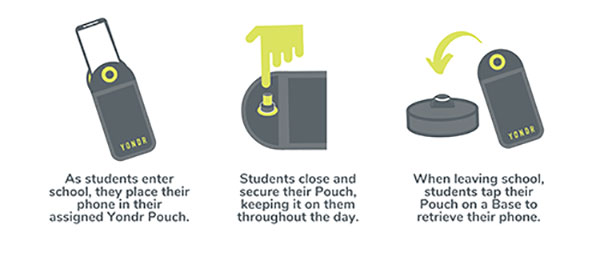
Students are in possession of their phone - in their Yondr pouch - for the entire school day. We will advise students to store the pouch safely in their school bag or blazer pockets.
If a student damages their Pouch or is caught on their phone, we will confiscate the phone and issue a sanction which is likely to be a suspension.
Note: Damage consists of any signs that the physical integrity of the pouch has been compromised, whether intentional or unintentional, as determined by the school or Yondr staff.
Damaged pouches will be charged to parents at a cost of £20.
They will be searched and wanded with a handheld scanner by a member of SLT. If they are found to have their phone on their person they will be expected to place it in their pouch. Refusal will be met with suspension.
If a student forgets their Pouch, their phone will be confiscated.
As per our previous mobile phone policy;
Parents will have the option to collect the phone at the end of the day. If parents do not collect the phone, the phone will remain in school until the end of the week or until the student has their pouch.
In Yondr’s experience, this almost never happens. All students funnel past the unlocking stations at the exits, they want their phones back and don’t forget to unlock their pouches. If they do arrive home with a phone in a pouch, they can either come back to school to unlock it, or have a phone free evening!
The unlocking process is quick and takes under a second per student.
As a privilege, Year 11 will be able to unlock their phones as they go off site at lunchtime; however, they will be expected to put their phones back into their pouches when they return to school for period 5.
Yes. There is an adapted version of the pouch which uses a Velcro fastener instead of a magnetic lock. This means the student still follows the policy, but the adapted pouch gives them easy access to their phone when required. If the student abuses this, they will face a sanction. We are already aware of these students.
Your Office 365 account username is your school network account username followed by @flhs.wigan.sch.uk
The password is the same password that you use in school to access computers.