
- July 20, 2023
From the 31st July and over the course of 2 weeks, students and parents are invited to participate in engaging and interactive webinars, gain access to interviews with subject specialists, resources, task sheets and more.
Dear Parent/Guardian,
Fred Longworth invests in GCSEPod, the award-winning digital content and revision provider used by over 1,250 schools worldwide.
As a subscriber, your child now has access to GCSEPod’s library of over 6,000 ‘Pods,’ 3-5 minute videos designed to deliver knowledge in short bursts. GCSEPod makes learning and revision much more manageable: every Pod is mapped to an exam board, and contains all the right facts, quotes, keywords, dates and annotated diagrams that your child needs for GCSE success – all neatly organised into topics and exam playlists.
One of the best things about GCSEPod is that you can download any Pod to your child’s mobile device, and then they can watch them at any time, in any place, with or without internet. It is like they are carrying a whole set of textbooks in their pocket! Make sure you download the GCSEPod app from the App Store (Apple and Android are supported) to access this feature.
GCSEPod also has the ability to identify knowledge gaps and automatically send playlists to help fill them. After completing any homework set on GCSEPod, your child will get a personalised “Boost Playlist” of Pods relevant to their identified areas of weakness. We strongly suggest that you encourage your child to review these playlists regularly as this will speed up their progress.
We recommend that you talk about GCSEPod with your son or daughter – check that they have successfully activated their account and encourage them to make use of this amazing resource throughout their GCSEs. Once they have activated their account, they can browse the GCSEPod library and create their own playlists – just as they would when they are listening to music.
For more ways to support your child using GCSEPod, please visit http://www.gcsepod.com/parents where you will find lots more information and resources.
Your child has already been registered with GCSEPod. In order to access the platform they need to ensure they click on “Sign in with Office 365” and enter their school email address and password.
To access GCSE Pod they can do so via the following link GCSEPod. For detailed instructions on how to access the platform please visit the following webpage: GCSEPod – How to access where you will find a video and login tutorials.
If you have any questions regarding GCSEPod please contact myself by email waltersk@flhs.wigan.sch.uk.
Yours sincerely,
Mrs K Walters
Deputy Headteacher (Curriculum)
Register for SummerPod 2023
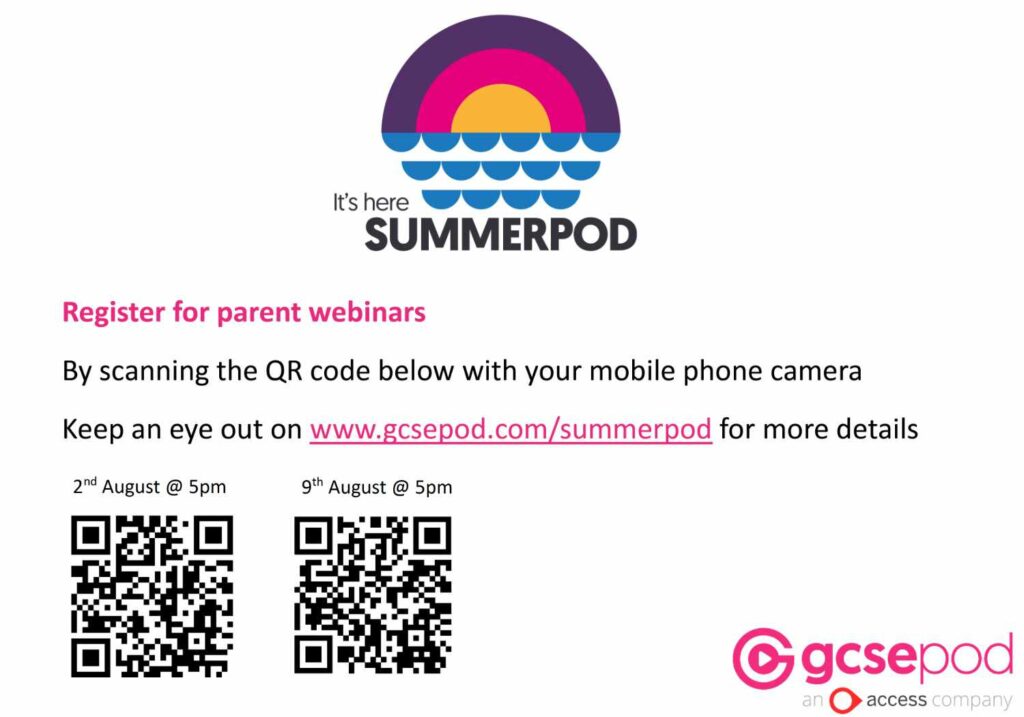
Calling all Key Stage 4 parents and carers, register your place on GCSEPod’s SummerPod!
GCSEPod is hosting an exciting and inspiring FREE programme designed to support you and your child with learning this summer and beyond!
Parents and carers are invited to attend a series of 2 webinars starting August 2nd!
Also included:
Exclusive student/parent webinars, SummerPod Spotify playlist, worksheets, subject expert interviews, learning and revision tips, competitions, prizes and certificates.
Calling all Year 9 and Year 10 students, register your place on GCSEPod’s SummerPod!
SummerPod 2023 Webinar for Year 9 Students
Especially designed to provide you with the tools to move into Year 10 with confidence, GCSEPod are hosting an exciting and inspiring FREE programme designed to support you with your learning this summer and help you get a head start on the next academic year!
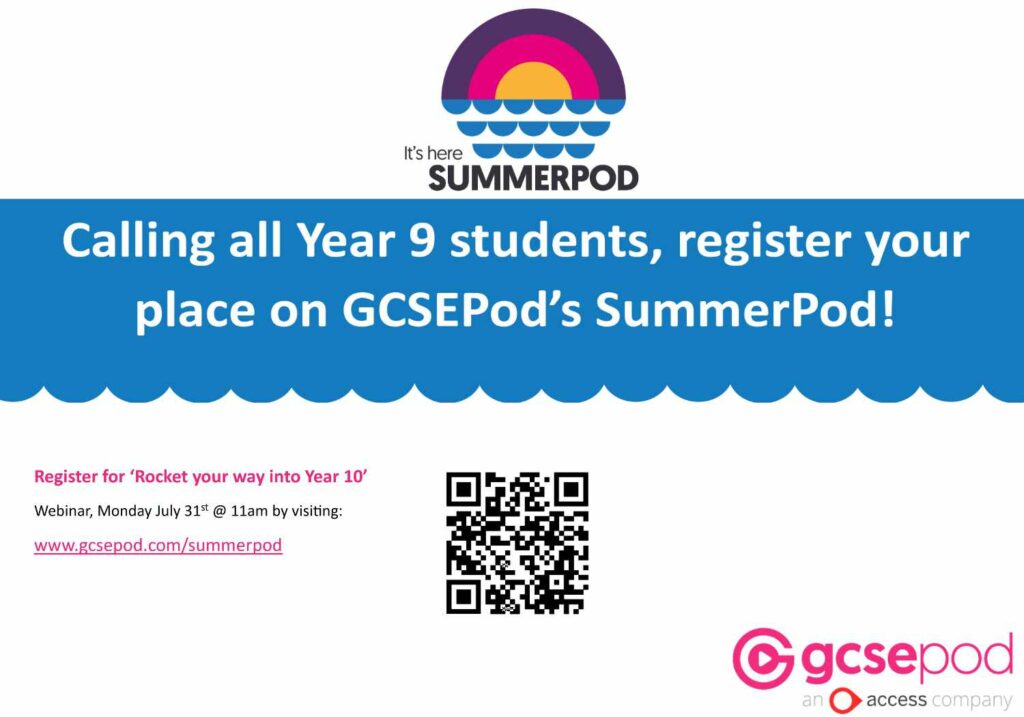
Join us for this year’s SummerPod for 2 weeks of fun starting July 31st
Also included:
Exclusive SummerPod webinar, SummerPod Spotify playlist, worksheets, subject expert interviews, learning and revision tips, competitions, prizes and certificates.
SummerPod 2023 Webinar for Year 10 Students
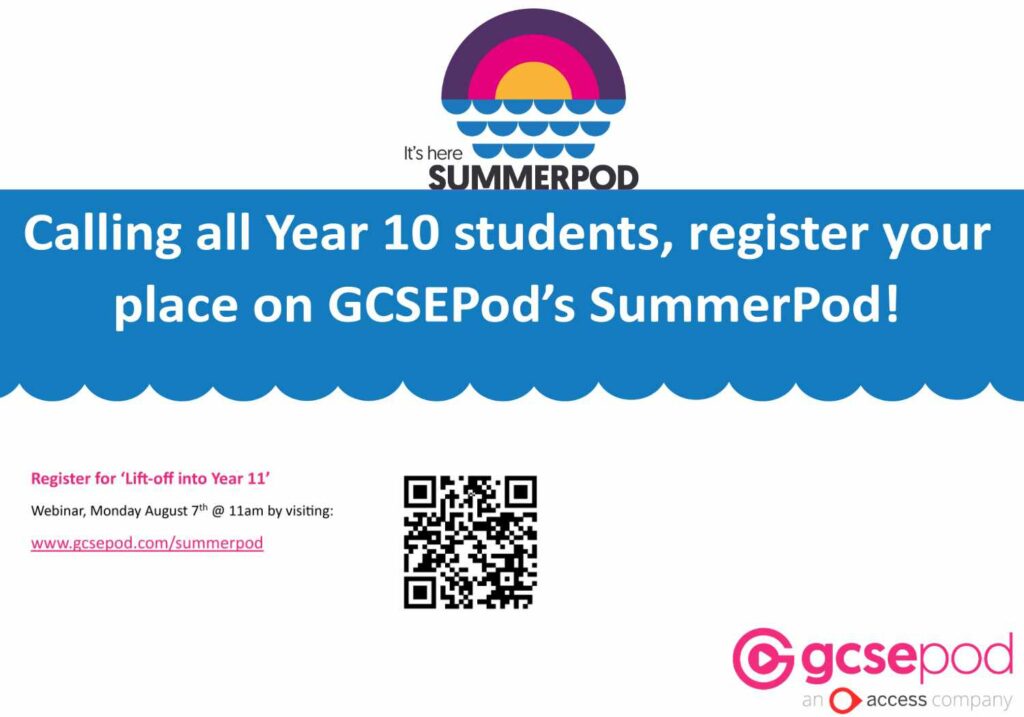
Join us for this year’s SummerPod for 2 weeks of fun starting July 31st
Also included:
Exclusive SummerPod webinar, SummerPod Spotify playlist, worksheets, subject expert interviews, learning and revision tips, competitions, prizes and certificates.